Subdomains can point to different sections of your website. In order to create a subdomain in your cPanel account, follow the next steps.
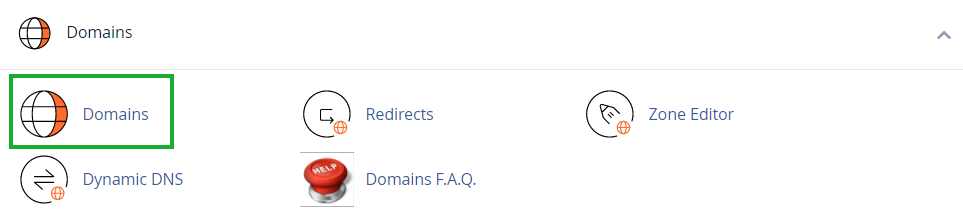
1. Log into cPanel on the account to add the subdomain on. Click “Domains” under the “Domains” section.
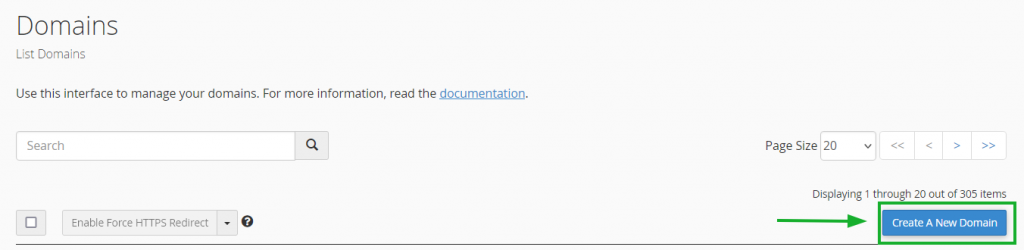
2. Click the Create A New Domain button:
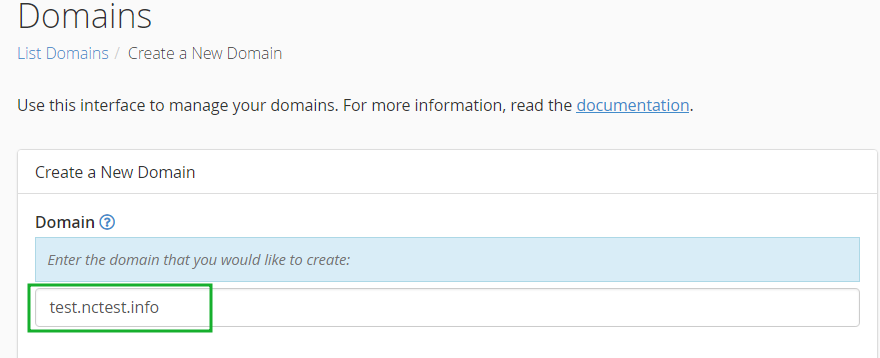
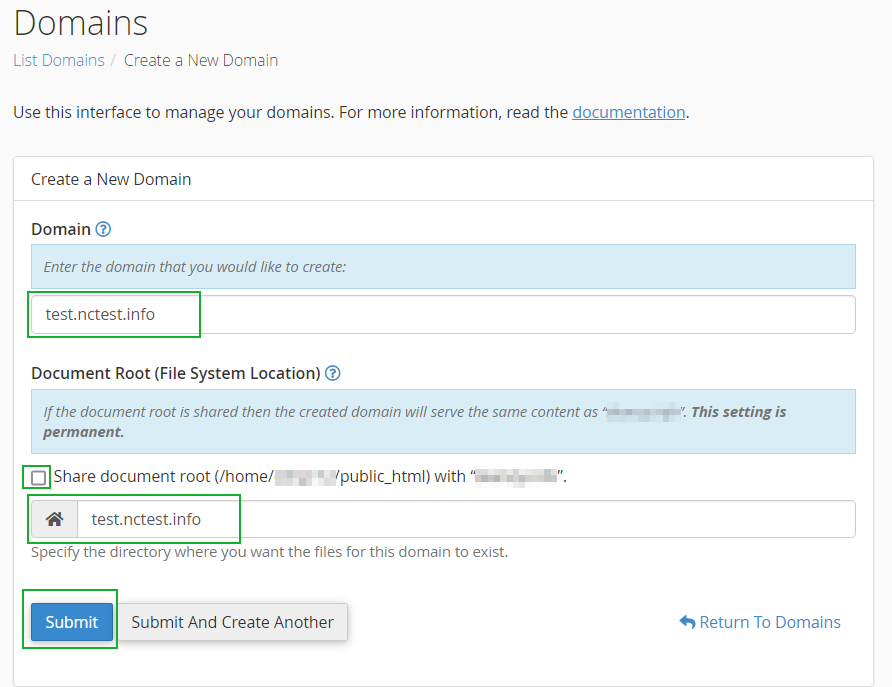
3. Enter the subdomain name to add in the Domain text box:
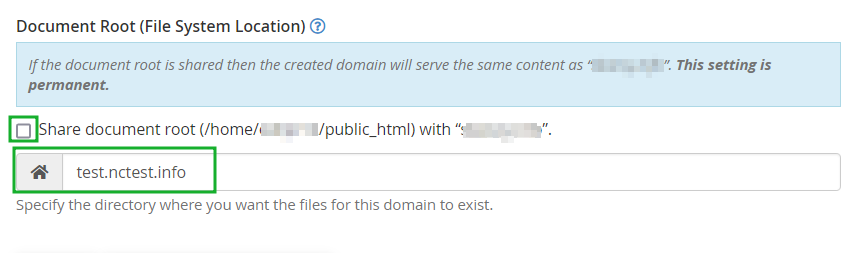
4. Deselect the “Share document root (/home/username/public_html) with “domain.tld”.” option and enter the directory where you want the files for this subdomain to exist:
5. Click the Submit button:
More details on this can be found in our documentation here: Domains
NOTE: the newly created subdomain should be available online within 5-10 minutes. However, it may take up to 30-40 minutes for the newly created record to fully propagate world-wide.
- 0 Users Found This Useful